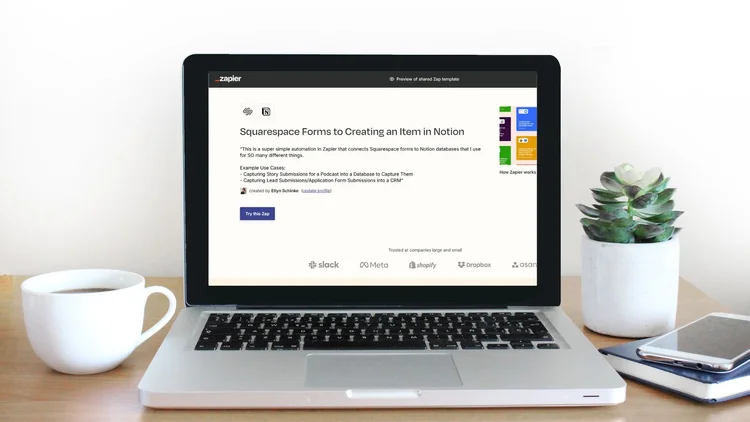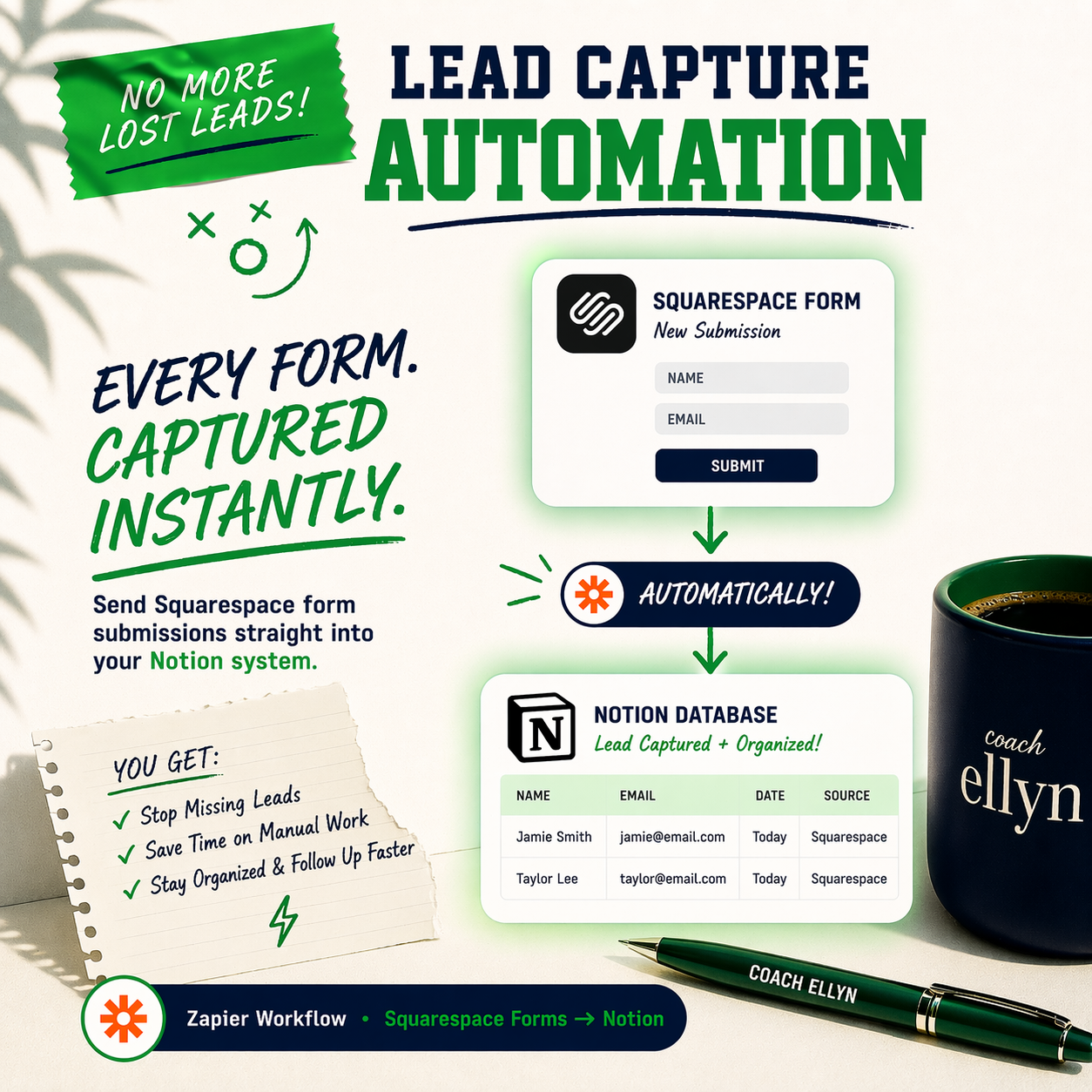
Connecting Squarespace Forms to Add a New Item in a Notion Database. Can be used for:
- Capturing Story Submissions for a Podcast into a Database
- Capturing Lead/Application Form into a CRM
How to use it:
Copy the automation in to your Zapier Account
Connect your Squarespace and Notion accounts to Zapier
Select the Form you want to Trigger the Automation
Select the Notion Database you want to send the form to, mapping the form inputs to the Notion properties as you see fit
Test the automation and once you’re satisfied, publish it!
Refund Policy: Due to the digital nature of this product, refunds are not available. Note: Zapier is a FREE and paid platform. This automation can operate on the FREE tier
Connecting Squarespace Forms to Add a New Item in a Notion Database. Can be used for:
- Capturing Story Submissions for a Podcast into a Database
- Capturing Lead/Application Form into a CRM
How to use it:
Copy the automation in to your Zapier Account
Connect your Squarespace and Notion accounts to Zapier
Select the Form you want to Trigger the Automation
Select the Notion Database you want to send the form to, mapping the form inputs to the Notion properties as you see fit
Test the automation and once you’re satisfied, publish it!
Refund Policy: Due to the digital nature of this product, refunds are not available. Note: Zapier is a FREE and paid platform. This automation can operate on the FREE tier