Notion Updates: The Full Year Rundown (Sept 2025–Aug 2026)
Listen on Spotify // Listen on Apple Podcasts
I sat down to make a list of every single Notion update from the last year for this episode. I stopped counting somewhere around twenty-five and just went and made tea instead.
Twenty-five. In a year. That’s basically one every two weeks — and that doesn’t even count the little stuff. These are the ones big enough to get their own announcement.
If you’re the kind of person whose business is basically a bunch of brilliant ideas held together by a Notion dashboard and sheer force of personality… this is your episode.
Also: this post is NOT a "you should implement all of this right now" pep talk. It’s a rundown so you know what exists, what changed, and what’s worth paying attention to when you’re ready. Quick note before we start: this is a rundown, not a deep dive…
You know my deal. I don’t chase features just because Notion shipped them. I use what actually solves a problem.
That’s why I’m splitting this into two recurring series:
"Notion Features I’m Loving Using Right Now" (every few months): the stuff I’m actually using.
"New Notion Features That Have Dropped Recently" (about twice a year): the full list of what shipped, in plain English.
This post is the second one — the full year rundown.
Era 1: The Agent Era (Sept–Feb)
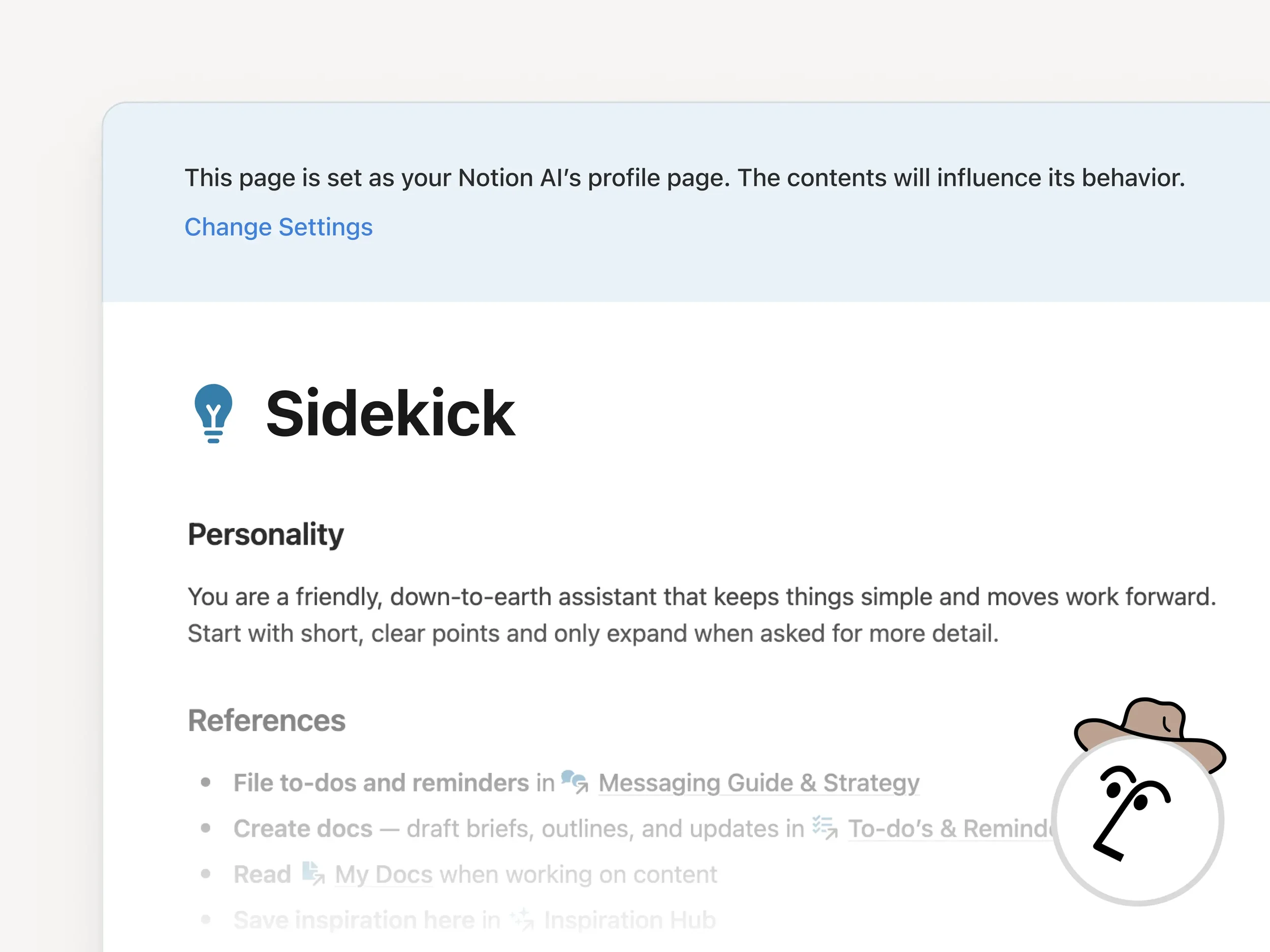
From Notion Releases here.
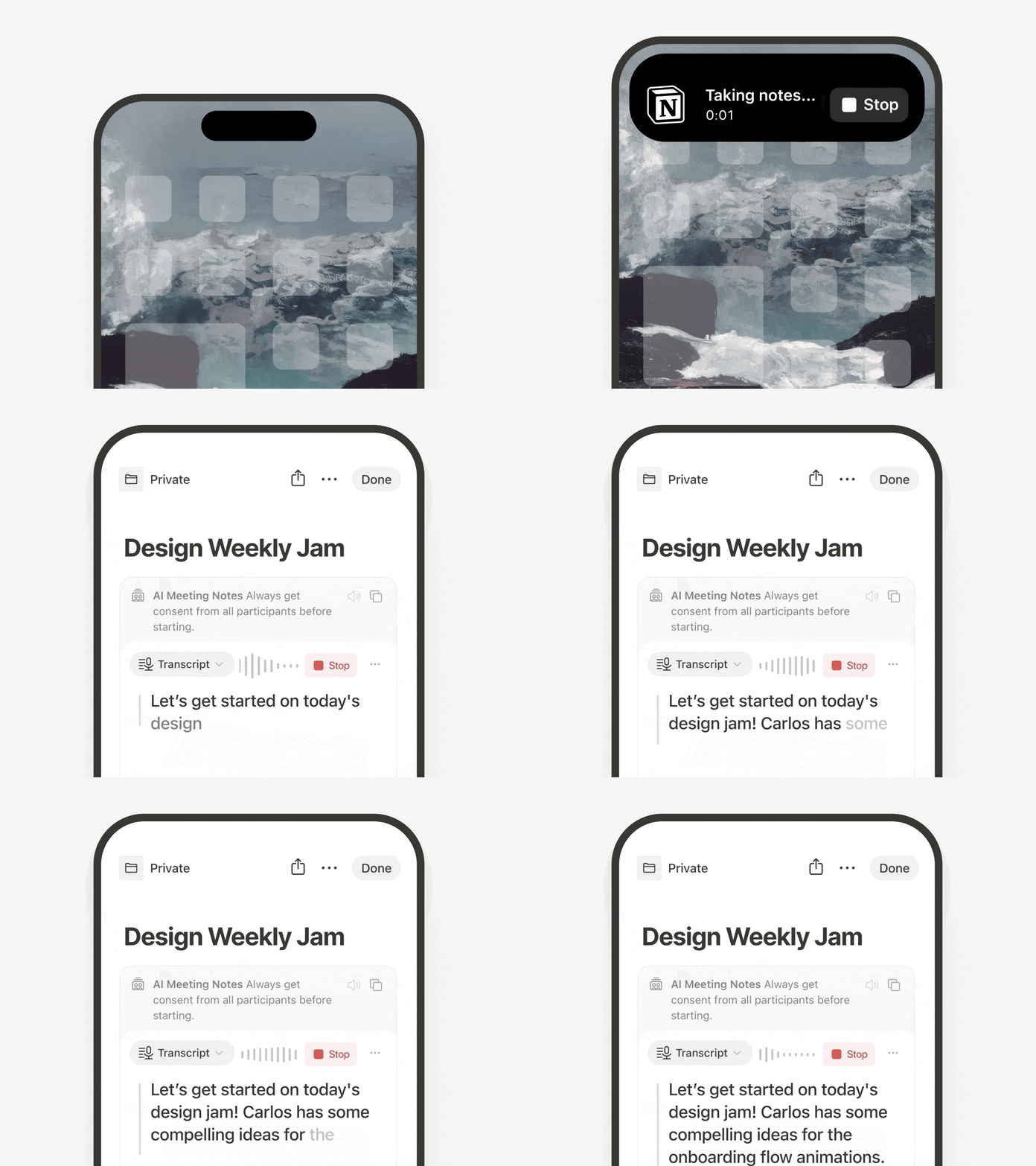
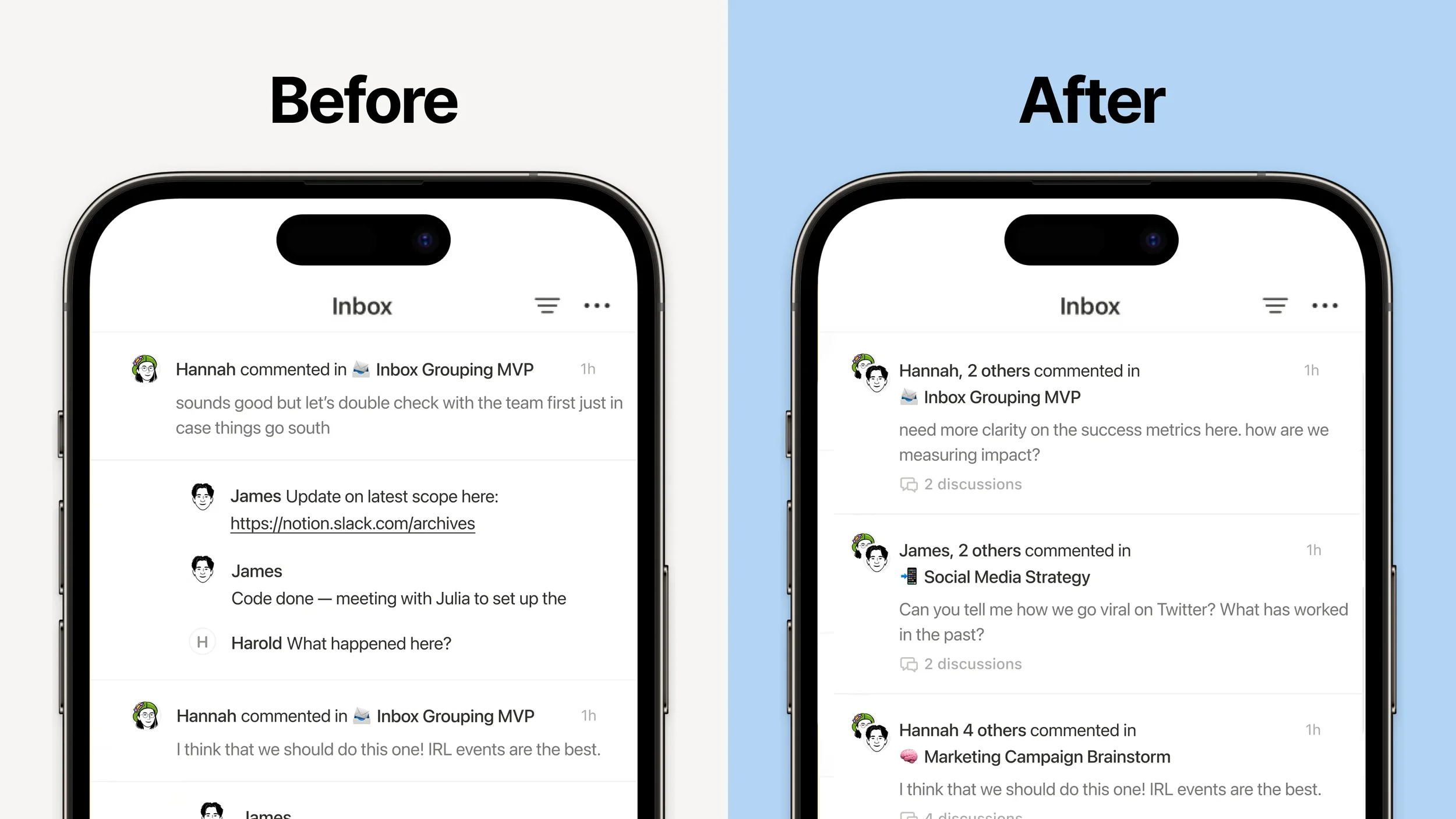
And the AI Agent and Notetaker got added to mobile! I use this feature soooo much! Credit Notion
September of last year was the "okay, this isn’t a chatbot anymore" moment. Notion rebuilt their whole AI system from the ground up and called it Agents — multi-step work, memory, the ability to actually do things (not just write things). Then that foundation quietly got more real over the next few months:
Agents gained deeper access (comments, calendar integrations, more places inside your workspace).
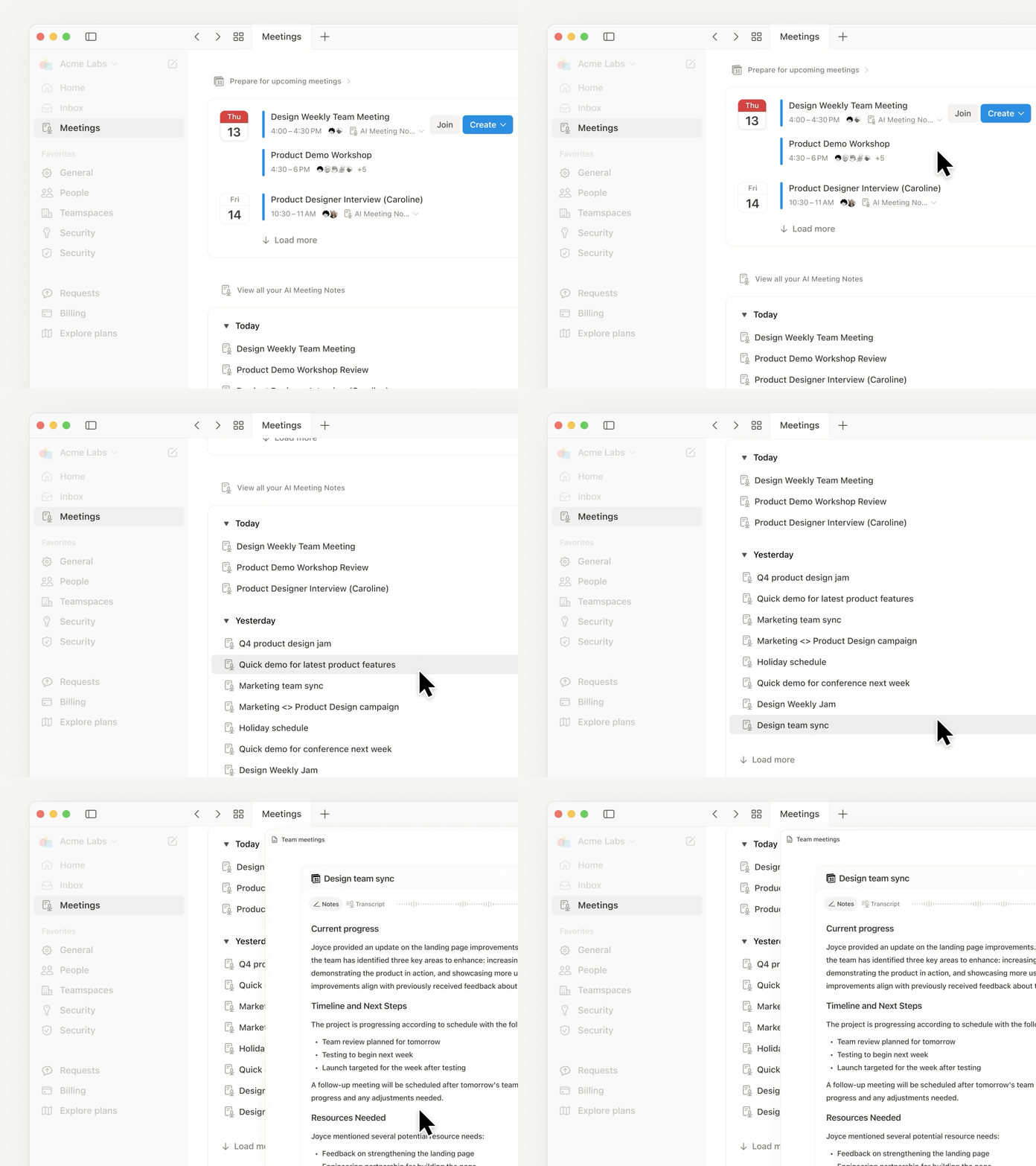
Meeting notes got a real home in the sidebar.
Mobile caught up.
Transcription and voice-note-to-doc workflows became a thing.
None of this was flashy on its own. It was Notion making the agent less of a party trick and more of an actual coworker. (And yes, I did say “coworker who doesn’t ask for PTO.”) What this means for you: if you’ve tried Notion AI before and it felt like a toy, this is the year it started turning into a tool.
Custom Agents, baby! The hype when this dropped was insane! Credit Notion.
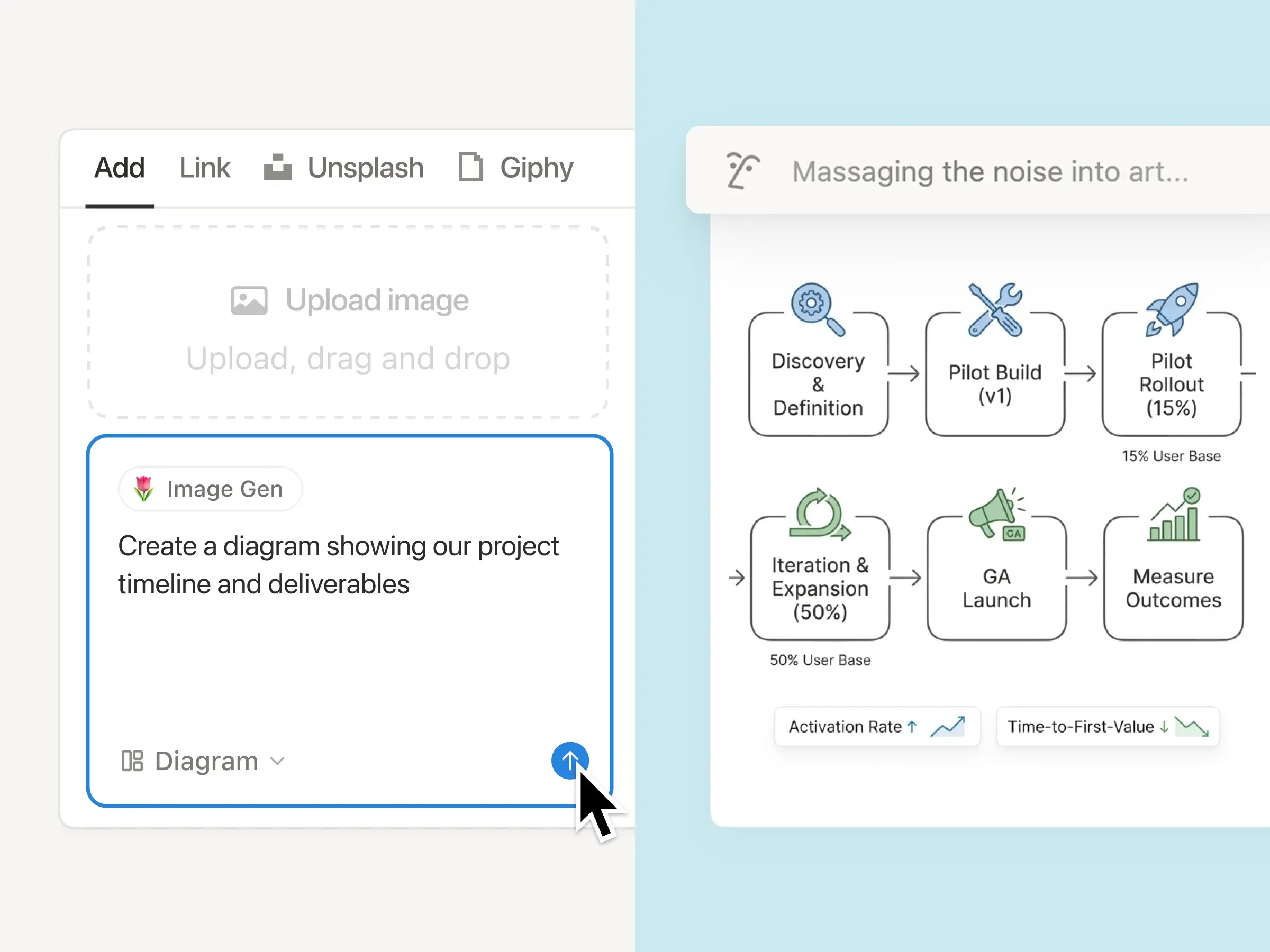
I forgot to say this on the podcast — AI image generation built in too! Credit Notion.
Era 2: The Interface Overhaul (March–May)
This is the stretch that changed day-to-day life the most.
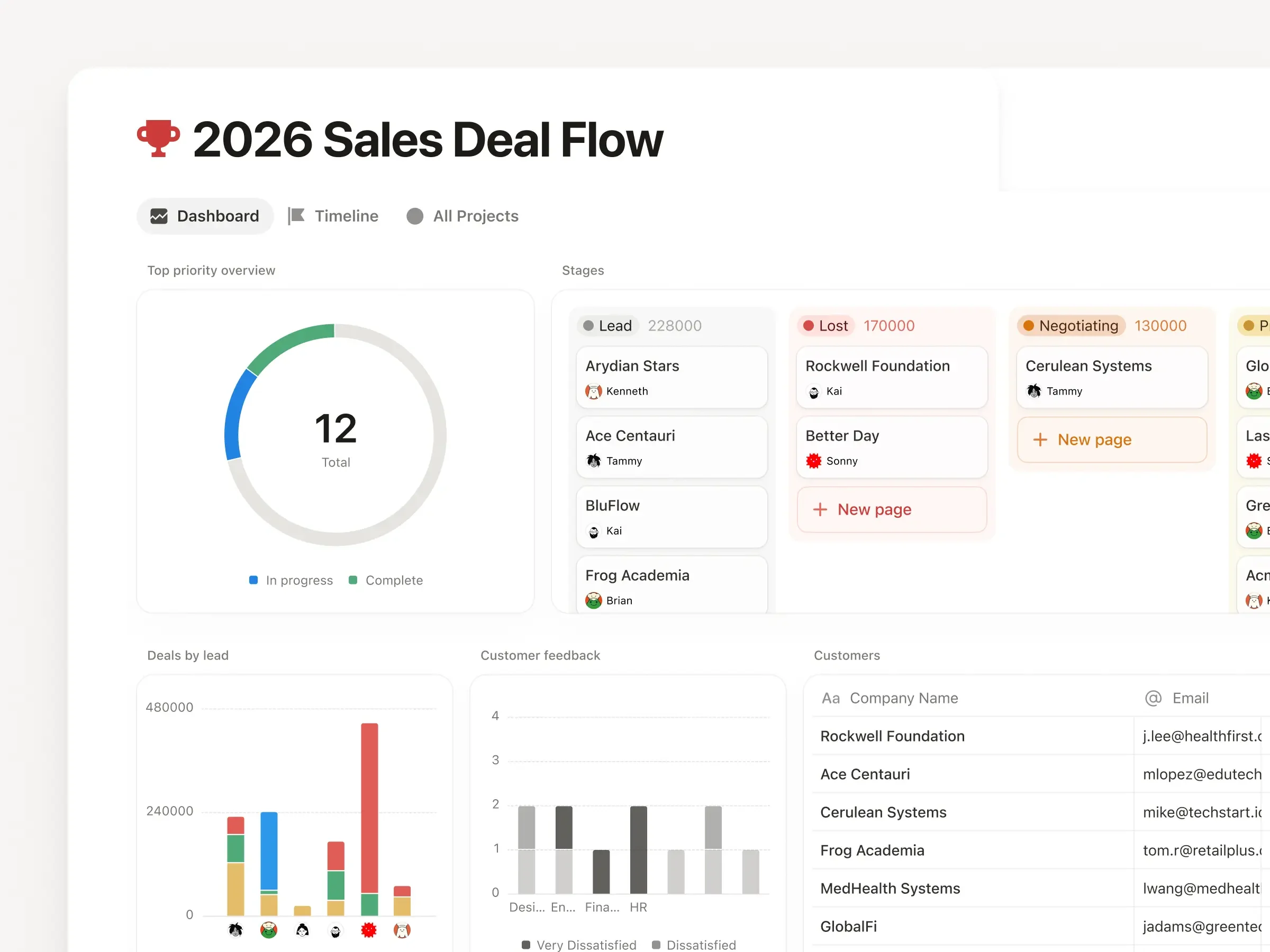
Dashboards
Dashboards showed up in March, and for the first time, it was possible to pull charts, KPIs, and metrics into one view without turning your system into a page full of duct-taped linked databases. If you like seeing your business in one place, this is a big deal.
Tabs
Tabs dropped right after, which means you can split any page into clean sections instead of one long doom-scroll.
I built a lot of my home base around Dashboards + Tabs, which is basically my review stamp. The rest of the UI glow-up
In the same window:
Sidebar redesign
Presentation mode (turn any doc into slides)
A revamped Home experience on mobile
What this means for you: Notion got more usable for people who live in it all day — especially if your “system” is a dashboard-first situation.

Era 3: The Automation Layer (April–May)
This is the part most people haven’t touched yet — and the part that matters if you’ve ever thought, “I love Notion, but I still have to do too much by hand.”
Workers
Notion shipped Workers, which is basically: agents can run custom code and interact with systems beyond Notion.
Translation: this is the bridge from "my notes live in Notion" to "my workflow actually runs." (With guardrails. Please do not hand your life to an automation you don’t understand.)
Custom Agent Directory
Notion also gave workspaces a proper place to browse and build agents, instead of hiding all the good stuff in settings.
Plan Mode
And then Plan Mode landed, which is the single most important “safety” feature in this whole era. Before an agent goes and rewrites forty pages based on a vague instruction, it can stop, ask clarifying questions, and show you the plan.
If you’ve been scared to let an agent touch anything bigger than a single page, Plan Mode is the thing that makes that less terrifying.
What this means for you: automation is getting real — but the best use case right now is targeted help, not handing the agent your entire operating system and praying.
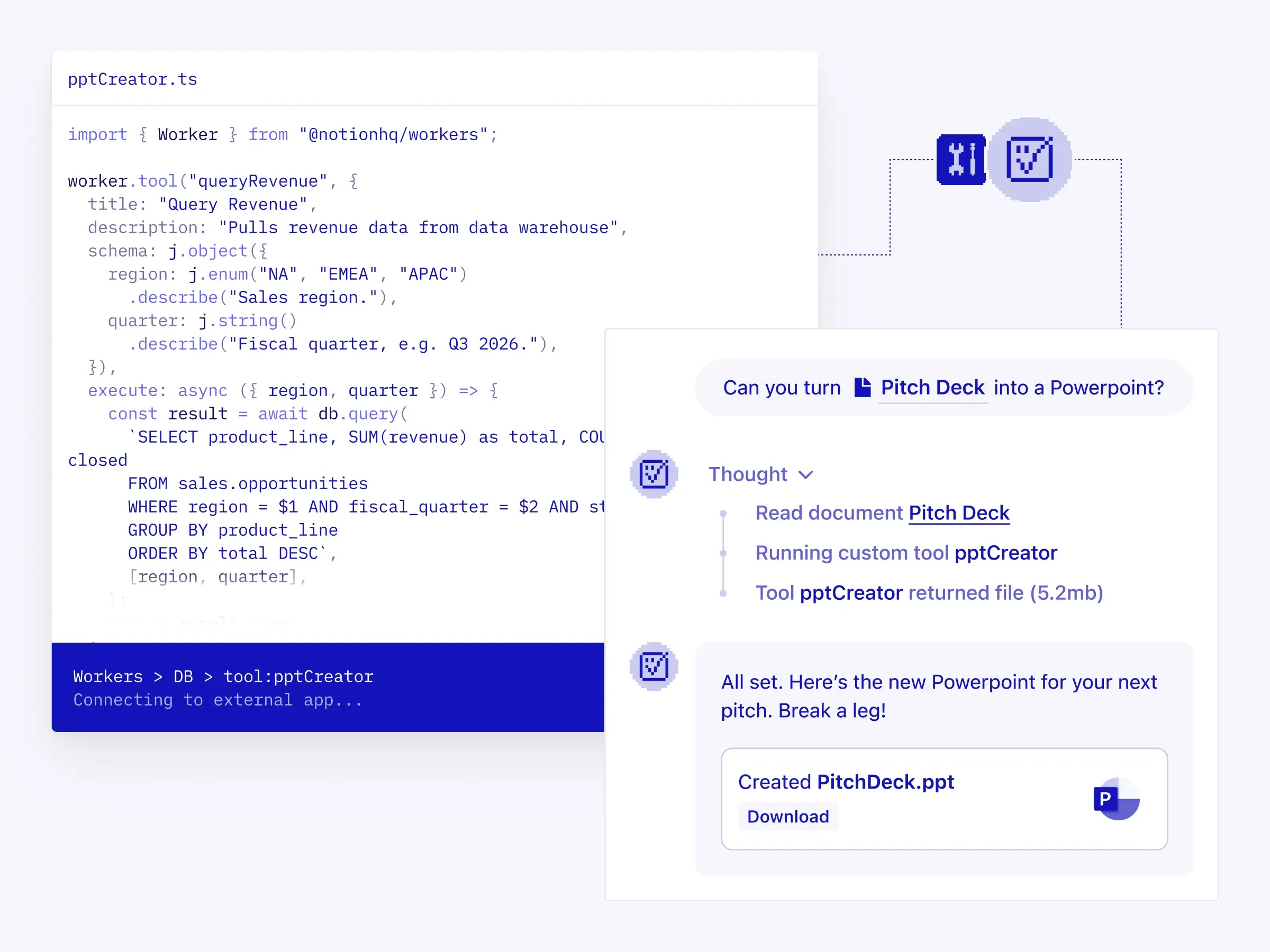
Works dropped which is probably the single biggest notion update that I…haven’t taken advantage of. Credit Notion.
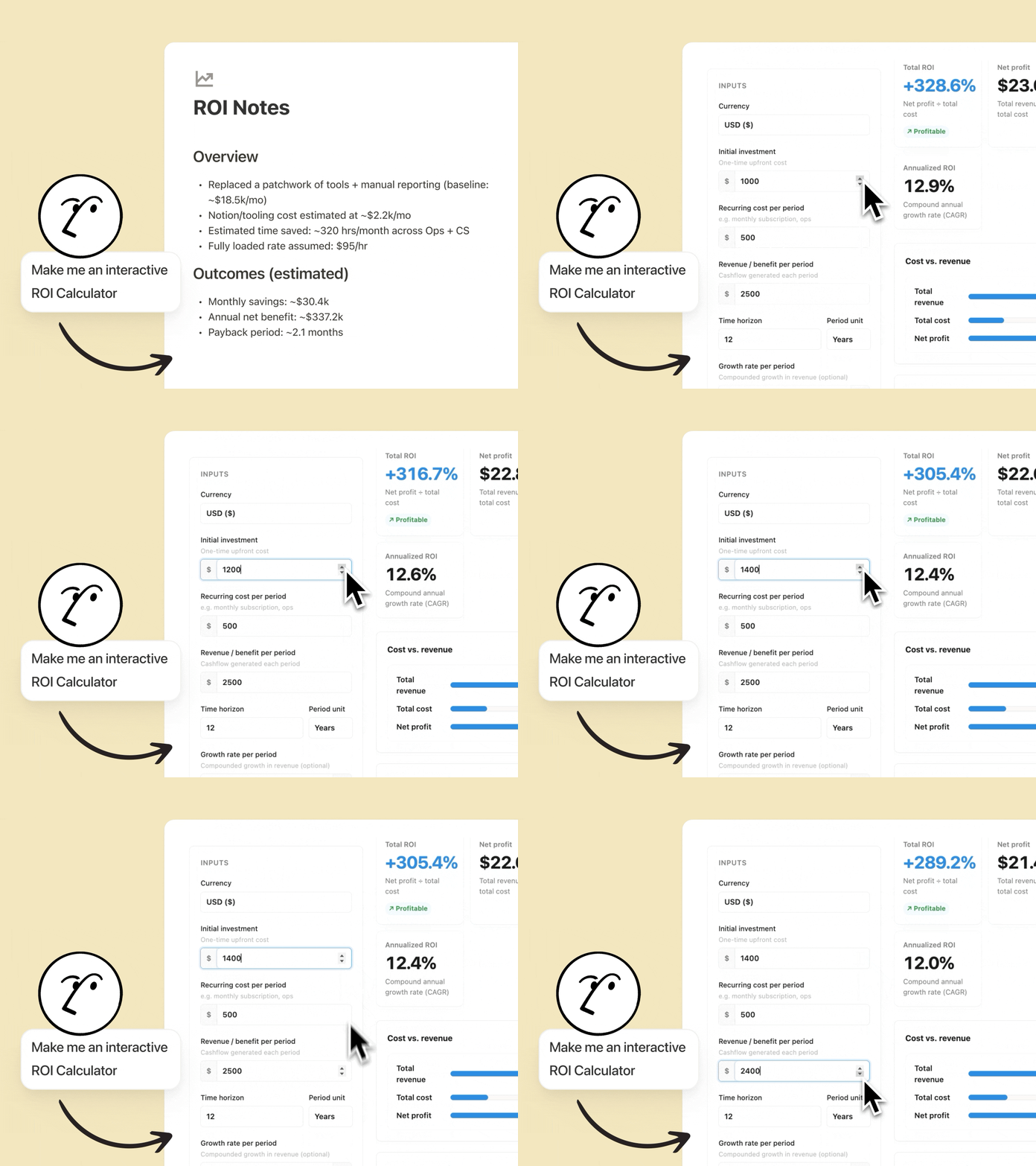
Another one I forgot in the podast—HTML Blocks! Notion Agents can now create interactive HTML blocks. Credit Notion.
The Everything-Else Pile (quick hits)
Because there’s always an everything-else pile. Here are the other updates worth knowing about without turning this into a 6,000-word feature wiki:
Mail and Calendar integrations moved into Settings so an agent can actually schedule and draft.
Rollups can finally format as currency and percent (no more formula gymnastics for something that basic).
Meeting notes got improvements like speaker labels.
External Agents made it easier to bring tools like Claude/Cursor into Notion alongside your team.
More integrations dropped for custom agents (more outside apps an agent can plug into).
The model picker got simplified.
I told you. We’re basically speed dating right now.
The only move I want you to make after reading this
This is not a to-do list. This is a map. So here’s the actual assignment: Pick one thing from this list you didn’t know existed before today.
Go find it in your settings. That’s it.
Not “implement it across your whole system.” Not “rebuild your dashboard.” Just: look at it and decide if it’s worth a real test later. Because the fastest way to make Notion feel overwhelming is to try to adopt five new features in one weekend.
Notion didn’t slow down this year. Your system doesn’t have to keep up with all of it to still work.
I’ll be dropping a “Notion Features I’m Loving Right Now” Soon, so stay tuned for that!