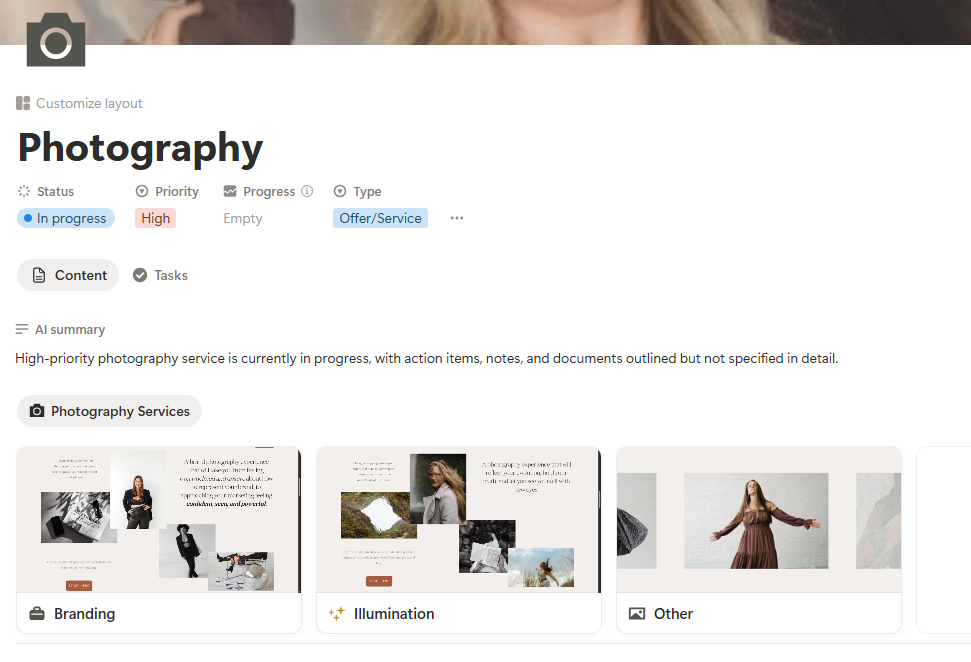
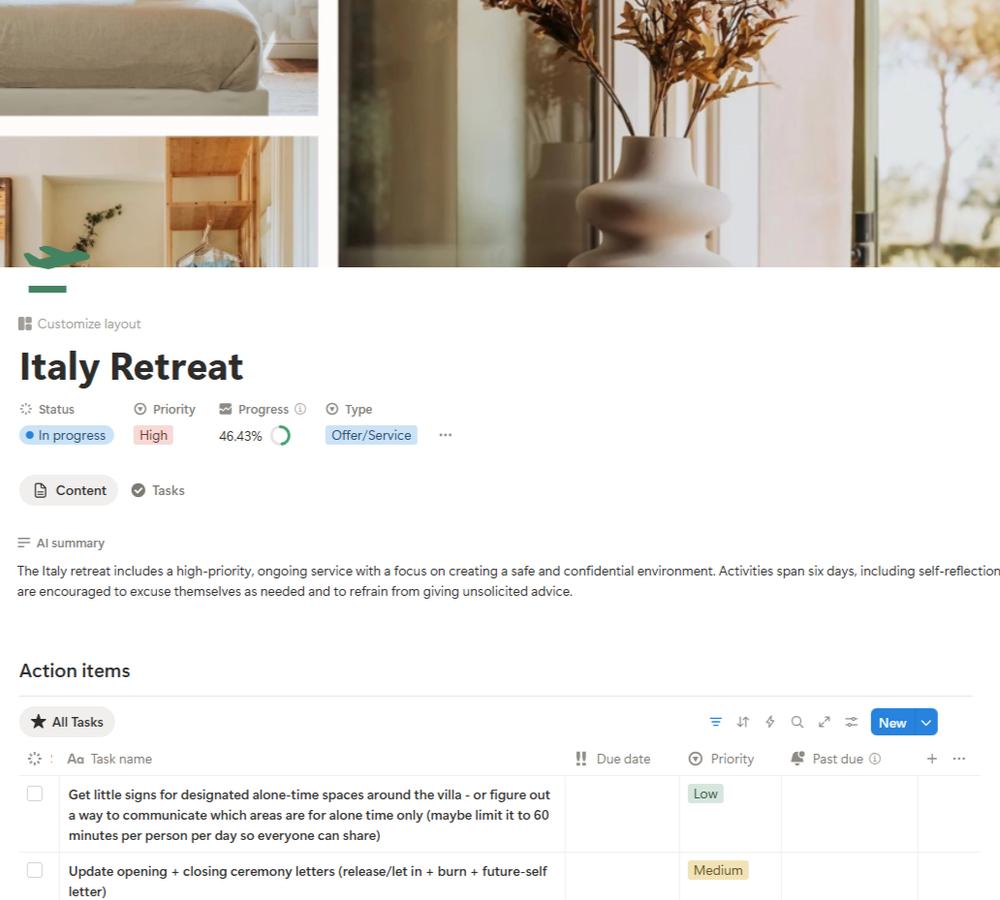
HoneyBook had a job in Hailey’s photography business. The rest of the work needed a home, too. We focused on visual planning, easier capture, and AI support without asking her to replace what already worked.
A place for the rest of the business
Hailey Aitkins, founder of Nota Lux, was juggling photography services, a retreat, workshops, marketing, and all the other work that comes with running a business. HoneyBook already supported her client workflow. The question was where everything else should live.
As we talked through what she needed, Hailey said: “It’s really hard for me to think about tasks if they’re not categorized first.”
She wanted to start with the big buckets—photography, the retreat, different projects—and work her way down. But she also wanted those tasks to come together in one place, so she could see what needed doing that day.
We didn’t need to replace HoneyBook or move every process into Notion. We needed to give the rest of her work a home that made sense to her.
Building around how Hailey works
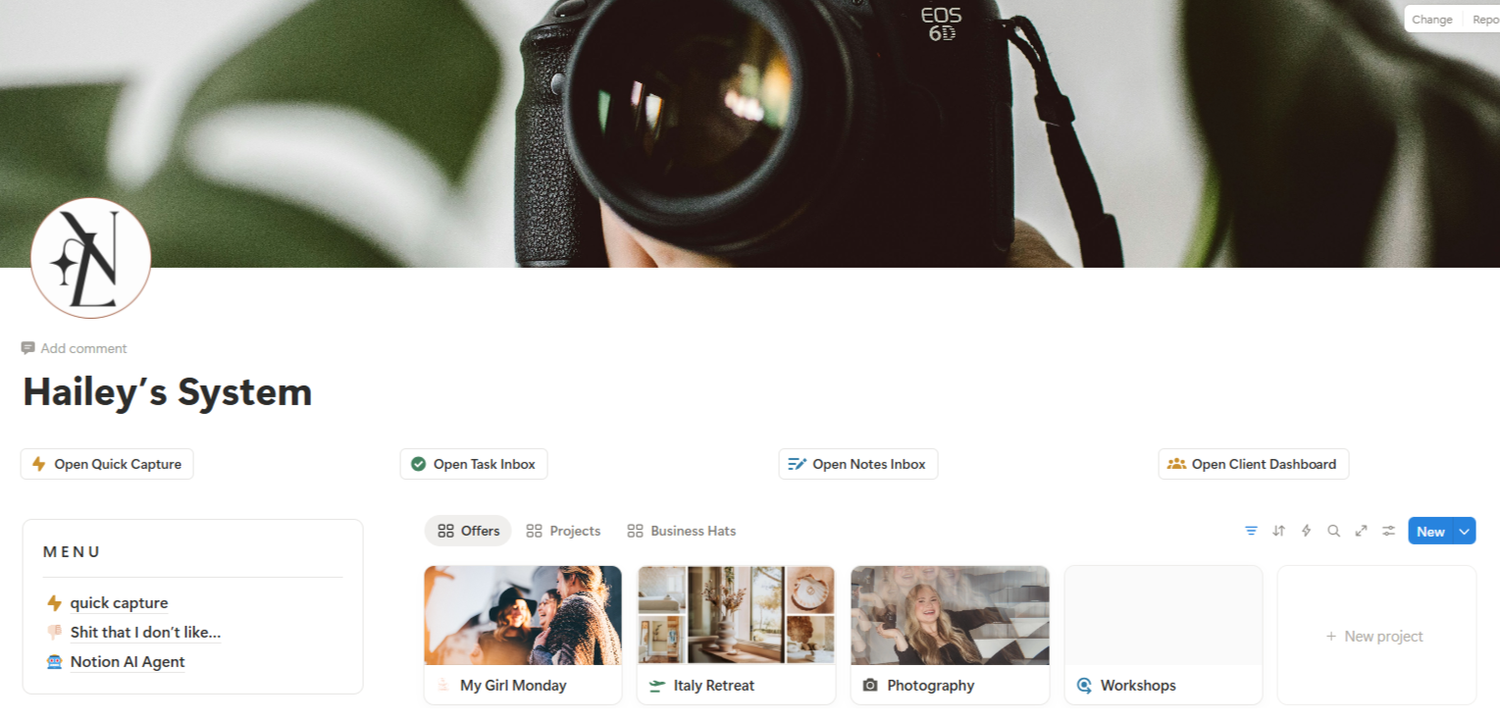
We built a Notion system with connected projects and tasks. Hailey could look at work by offer or by business area, and use a focused task view to see what was due rather than sorting through the entire list every time.
We also created a quick capture page for tasks, notes, and people. The idea was simple: give her somewhere to put a thought when it arrived, without having to stop and organize it perfectly first.
Follow-up was another important piece. Hailey met potential clients through networking and Instagram, and wanted a way to remember conversations and come back to people who had expressed interest. We built a people area and a follow-up button that set a date and created a task linked to the person.
Meanwhile, her active client communications stayed in HoneyBook. We discussed connecting the tools later, but chose to focus first on making the Notion system useful for her internal work.
When the first version needed to change
A system can be built with care and still need to change once someone starts living in it.
When we talked again in July, Hailey said she had been going into Notion sometimes, but had put so much into it that the unorganized material felt overwhelming. We talked about spending time together in the system and using AI to help organize a brain dump of retreat tasks.
By October, she told me she wasn’t using the task manager. She still wanted to get thoughts out of her head, but managing and organizing them was a sticking point. She also wanted to see what mattered without having a constant list of everything in front of her.
So we revisited the entry point. We worked on a simpler capture experience, including a note button that opened a place to write and saved the note. We also explored AI-assisted task processing and planning alongside calendar visibility. The button worked in the session; the broader workflow was still being refined.
The work continues
This wasn’t about giving Hailey a prettier place to store a to-do list. It was about building a home for the work outside her client workflow, then paying attention when parts of that home weren’t working for her.
The system gave us a foundation: projects, tasks, capture, and a way to keep follow-up visible. Hailey’s feedback showed us where the experience needed to get simpler. The next step is to hear from her about what she uses now and what, if anything, has changed in her day-to-day work.